


 Loading...
About Crazy Cars
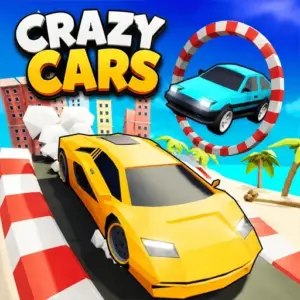
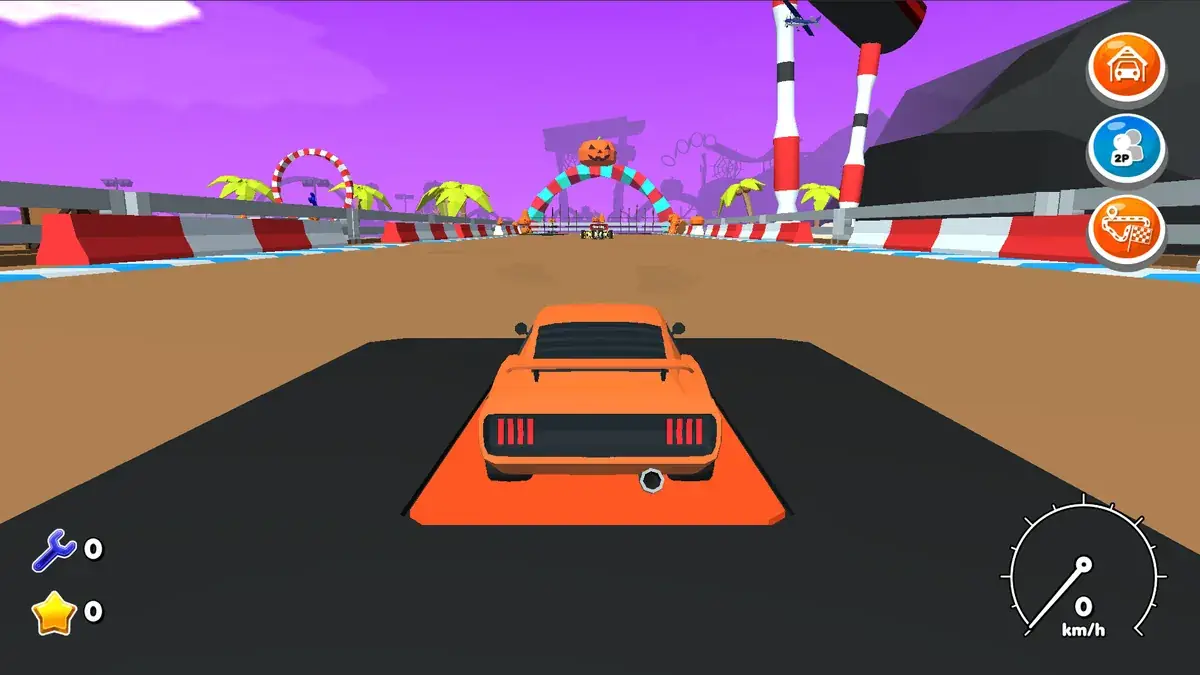
Traffic rules do not exist in Crazy Cars. What you get instead is a 3D stunt playground with floating roads, giant loops, ramps that launch you over whole buildings and shortcuts hidden all over the map. There is no lap timer pushing you: the aim is simply to drive with style.
It is the kind of driving game you open for five minutes and close an hour later, because there is always one more ramp you want to try.
It is a good choice for players who find racing games too strict and just want to drive, jump and explore. There is no fixed goal, so it suits short sessions as well as long ones.
Crazy Cars at a glance
- Genre: Free-roam stunt driving
- Players: 1 player
- Devices: Desktop (keyboard and mouse recommended)
- Best for: players who prefer tricks over lap times
How to play Crazy Cars
Choose a car and drive freely around the map. Hit ramps at full speed, chain jumps together, run through loops and look for the elevated tracks that link different areas. Some cars are better at speed, others at control, so swapping vehicles changes how each stunt feels. If you get stuck upside down or wedged in the scenery, a reset puts you back on your wheels instantly.
Controls
- Arrow keys / W A S D: drive and steer
- Space: handbrake
- Shift or N: nitro boost
- R: reset the car if you are stuck
Cars and the stunt map
The heart of Crazy Cars is its map: elevated roads, giant loops, large ramps and hidden shortcuts connect different areas of the playground. Several cars are available, and they do not all handle the same way. A fast car makes the long jumps easier, while a lighter, more agile one is better for tight loops and narrow tracks. Because there are no races to finish, your progress is personal: discovering every area, linking jumps together and landing the most spectacular stunt you can find.
Getting the most out of the map
The best stunts usually start from the highest point of the map. Drive up the sky roads first, look down to spot the ramps, then plan a line that links two or three jumps. Nitro is most useful just before a ramp, not on a straight: the extra speed at take-off is what turns a short hop into a building-sized jump.
Tips and strategies for Crazy Cars
- Line the car up straight before a ramp. Hitting it at an angle sends you into a spin.
- Release the throttle in the air to keep the car level.
- Use the handbrake to swing into tight loops and narrow entrances.
- Save nitro for ramps and long climbs.
- Reset early rather than wrestling a car that is stuck on its side.
- Explore once slowly before trying big stunts, so you know where each ramp leads.
- Try every car on the same ramp to feel the difference in weight and speed.
Common beginner mistakes
- Hitting ramps at an angle and spinning in the air.
- Holding the throttle in the air, which tips the car nose up.
- Using all the nitro on a straight and having none left for a ramp.
- Struggling for minutes with a car stuck on its side instead of pressing R.
Similar games on TotoyaPlay
Love free-roam stunts? Try Car Stunt King 2, Stunt Simulator 2 or Eggy Car for a very different kind of balancing act. You will find dozens more in our car games.
Frequently asked questions about Crazy Cars
Is Crazy Cars a racing game?
It is more of a free-roam stunt game. You can race against yourself, but the main idea is to explore and perform tricks.
How do I reset my car?
Press R and the car is instantly put back on its wheels.
Can I play Crazy Cars on a phone?
It runs in mobile browsers, but a keyboard gives you more precise control for stunts.
Are there different cars in Crazy Cars?
Yes. Several cars are available, each with its own speed and handling.
Is there a time limit?
No. You can drive and explore as long as you like.
What is the best way to land a big jump?
Hit the ramp straight with nitro, then release the throttle in the air.



Comments