

 Loading...
About Merge Brainrot
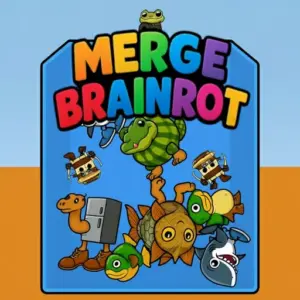
Get ready to dive into the silliest, most addictive puzzle game on the internet! Welcome to Merge Brainrot, where your favorite memes come to life. In this awesome game, you drop funny internet characters into a box and watch them combine. Match two of the same kind, and they merge into a brand new, bigger meme! It’s super easy to learn but offers a huge challenge to master. Can you keep merging without letting the box overflow? Test your skills, beat your high score, and discover the ultimate, final meme. Start playing right now and let the merging madness begin!
What is Merge Brainrot?
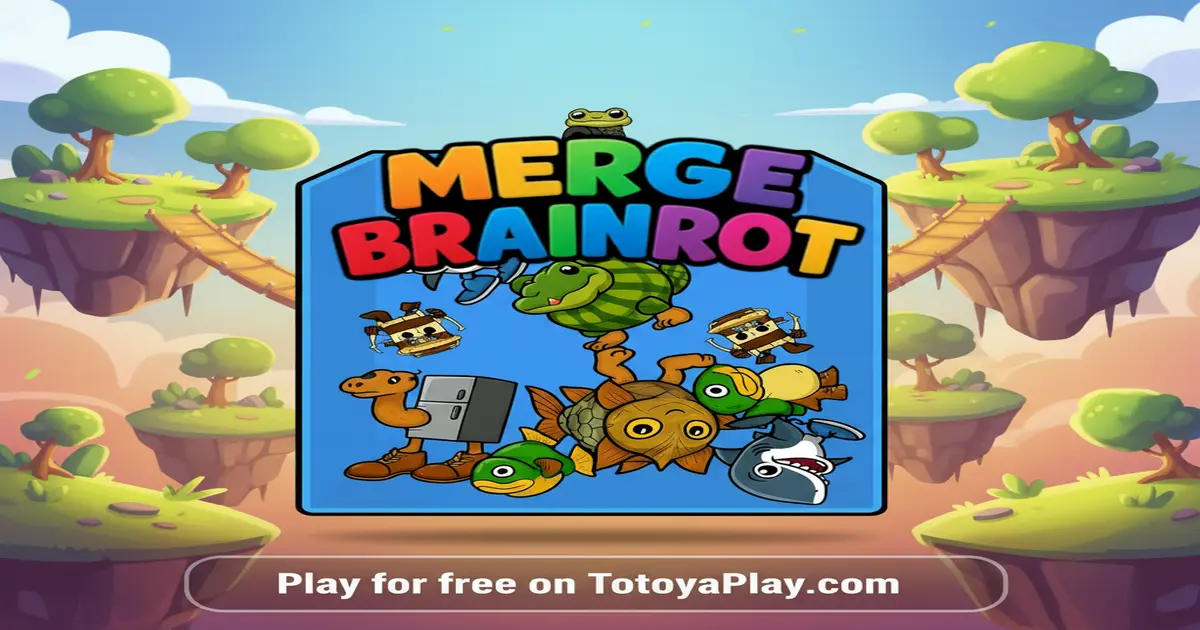
Merge Brainrot is a super fun puzzle game that belongs to the “drop and merge” genre. If you’ve ever played games like Suika Watermelon Game, you’ll feel right at home! The big idea is to drop different items, in this case, popular internet memes, into a container. When two identical memes touch, they magically fuse together to create a new, bigger meme from the next level. Your goal is to keep making these merges to get the highest score possible before the container fills up to the top. It’s a game of strategy, physics, and a little bit of luck! You have to think carefully about where you drop each meme to set up future combinations.
The game gets its “Brainrot” name from the funny, silly, and sometimes nonsensical memes that have become super popular online. These are the characters and jokes you see in short videos and posts all over the internet! The popularity of Merge Brainrot comes from this perfect mix of a simple, satisfying game mechanic with the hilarious and recognizable world of internet culture. Every merge reveals a new, funnier character, making you want to keep playing to see what comes next. It’s a lighthearted game that anyone can enjoy, whether you’re a meme expert or just looking for a fun way to pass the time. For players who want to dive deeper into the lore of the characters and items, the community has even created a detailed Fandom wiki page that explains the “Fuse Machine” and all the crazy combinations you can discover.
How to Play Merge Brainrot
Playing Merge Brainrot is as easy as pie! Your main objective is to get the highest score possible by merging memes without running out of space. You start with a small, basic meme. You control where it drops into the play area below. When two of the same meme touch each other, they will instantly combine into the next biggest meme in the cycle, and you’ll earn points. For example, two small blue guys might merge into a funny cat, and two funny cats might merge into a dancing character.
The core loop of the game is simple but gets more challenging over time. First, you look at the meme you’re about to drop. Second, you move it left or right to find the perfect spot. Third, you click to release it. The memes have physics, so they will roll, bounce, and settle into place. This is where the strategy comes in! You need to plan your drops to group matching memes together. As the container fills up with bigger and bigger memes, you’ll have less room to work with. If your memes stack up and cross the line at the top of the container, the game is over! So, think ahead, make smart drops, and keep merging to clear up space and climb the leaderboard.
Controls
Mastering the controls is key to winning. The controls are designed to be simple and intuitive, so you can start playing right away on any device.
- On a PC or Chromebook (using a mouse):
- Move Meme: Move your mouse cursor left and right across the top of the screen. The meme you are about to drop will follow your cursor.
- Drop Meme: Click the left mouse button to release the meme and drop it into the container.
- On a Mobile Phone or Tablet (using touch):
- Move Meme: Tap and hold your finger on the screen, then drag your finger left or right to position the meme.
- Drop Meme: Lift your finger off the screen to drop the meme.
Features
- Instant Play: No installation required. Just open the page on TotoyaPlay and start playing immediately. No waiting, no fuss!
- Cross-Platform: Works smoothly on PC, Chromebooks, and mobile devices like phones and tablets. Your game, your way, wherever you are.
- Addictive Merge Cycle: Discover a whole chain of hilarious memes! Each merge reveals a new, bigger, and funnier character, keeping you hooked as you try to see them all.
- Colorful Graphics and Fun Physics: Enjoy bright, cartoonish visuals and a bouncy physics engine that makes every drop unpredictable and exciting. Watch your memes roll and tumble into perfect combos!
- High Score System: Challenge yourself and your friends! The game tracks your best score, encouraging you to come back and try new strategies to beat your previous record.
Tips and Tricks to Win
Want to beat the high score and become a Merge Brainrot master? Keep these expert strategies in mind to improve your game and create the biggest memes!
- Build from the Sides: A great strategy is to place your larger memes on the sides of the container and keep the middle area lower. This creates a “U” shape. This way, when you drop smaller memes into the middle, they have a better chance of rolling toward their identical partners on the sides. It helps prevent small memes from getting trapped under big ones.
- Plan Two or Three Moves Ahead: Don’t just focus on the meme you are currently dropping. Look at the “Next Meme” indicator to see what’s coming. This allows you to plan your placements better. For example, if you see you have two of the same meme coming up, you can prepare a spot where they can easily meet and merge.
- Avoid Trapping Small Memes: One of the fastest ways to lose is to bury a small, low-level meme under a pile of larger ones. It becomes very difficult to merge it later. Try to keep memes of a similar size grouped together. If you have to drop a big meme, try to place it where it won’t block access to smaller ones.
- Master the Merge Order: Take time to memorize the first few levels of the merge cycle. Knowing that two “A”s make a “B”, and two “B”s make a “C” helps you organize your container much more effectively. You can arrange the memes in order from largest to smallest across the container to set up a chain reaction of merges.
- Use Physics to Your Advantage: The memes don’t just fall straight down; they roll and bounce. You can use this! Sometimes, dropping a meme onto the slanted side of a larger meme can help you nudge it into a tight spot to make a crucial merge. Experiment with different drop angles to see how you can make the physics work for you.
Frequently Asked Questions
Is Merge Brainrot free to play?
Yes, you can play Merge Brainrot completely for free on our website, TotoyaPlay. There are no hidden fees, subscriptions, or charges to play. Just pure, uninterrupted fun!
What is the goal of Merge Brainrot?
The main goal is to get the highest score possible. You do this by dropping and merging matching memes to create bigger and more valuable ones. The ultimate challenge is to create the final, largest meme in the sequence without letting the container overflow.
Can I play Merge Brainrot on my Chromebook?
Absolutely! Since our version of Merge Brainrot is a browser-based HTML5 game, it runs perfectly on Chromebooks. As long as you have an internet connection and a web browser, you can play without any issues.
Does the game save my high score?
Yes, the game uses your browser’s local storage to save your high score. This means when you come back to play again on the same device and browser, you’ll be able to see your previous best score and try to beat it.
What does “Brainrot” mean in the game’s name?
“Brainrot” is a fun internet slang term for content that is considered very low-quality, silly, or nonsensical, but is also very addictive and popular. The game uses this name playfully because it’s filled with these types of popular internet memes.
What happens if the container fills up?
If the memes stack so high that they cross the line at the top of the container, the game ends. Your final score will be displayed, and you’ll have the option to play again to try for a better score.
Similar Games
If you had a blast playing Merge Brainrot, you’re going to love these other games! Check out these related titles from our Brainrot Games category and more:
- Steal Brainrot Duel: A fast-paced action game where you duel against other meme characters. It’s a totally different style of gameplay but features the same hilarious characters you know and love.
- Italian Brainrot Bike Rush: Get ready for a wacky racing game! Hop on a bike with your favorite meme character and race through crazy courses. It’s all about speed, stunts, and silly fun.
Conclusion
Merge Brainrot is more than just a puzzle game; it’s a hilarious journey through modern internet culture. Its simple “drop and merge” mechanic is incredibly easy to pick up, but the strategic depth and challenge of managing your space will keep you coming back for more. The thrill of seeing what meme you’ll unlock next, combined with the satisfaction of pulling off a huge combo, makes for an endlessly replayable and engaging experience. It’s the perfect game to relax with, challenge your friends, or just enjoy a few minutes of silly, lighthearted fun.
So what are you waiting for? The world of wacky, wonderful memes is waiting for you to dive in. Can you master the art of the merge and create the ultimate Brainrot character? There’s only one way to find out. Click the play button and start your Merge Brainrot adventure on TotoyaPlay right now!
Gameplay Video

Comments